Pivumi
A downloadable game for Windows and macOS
Your little farm. A valley to rebuild together.
Pivumi is a free, early 3D farming playtest for Windows and macOS. Grow six crops, craft goods and make room for a bigger garden. Play solo or help a friend on a shared farm for 2-4 people.
Have 10 minutes? Help shape the next update.
Try your first harvest, then place one extra garden bed. Where did you get stuck, and what would you want to do next? A single honest sentence is useful. You do not have to finish the test or leave a rating.
Tell us how your first 10 minutes went. We read the feedback and report back when a fix is available.
New in 0.5.1
- Fixed a building limit that counted unopened garden beds. Unbuilt workstations no longer block invisible areas.
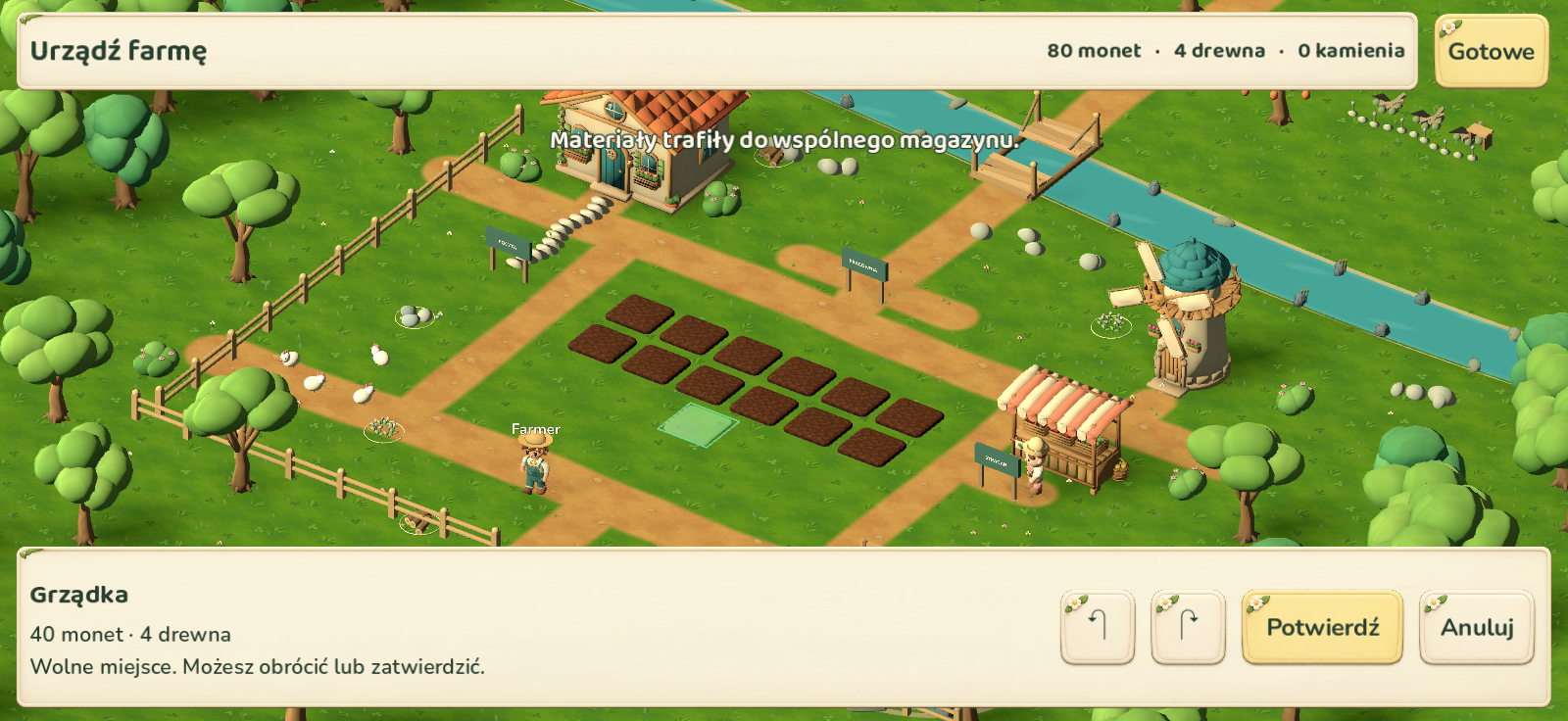
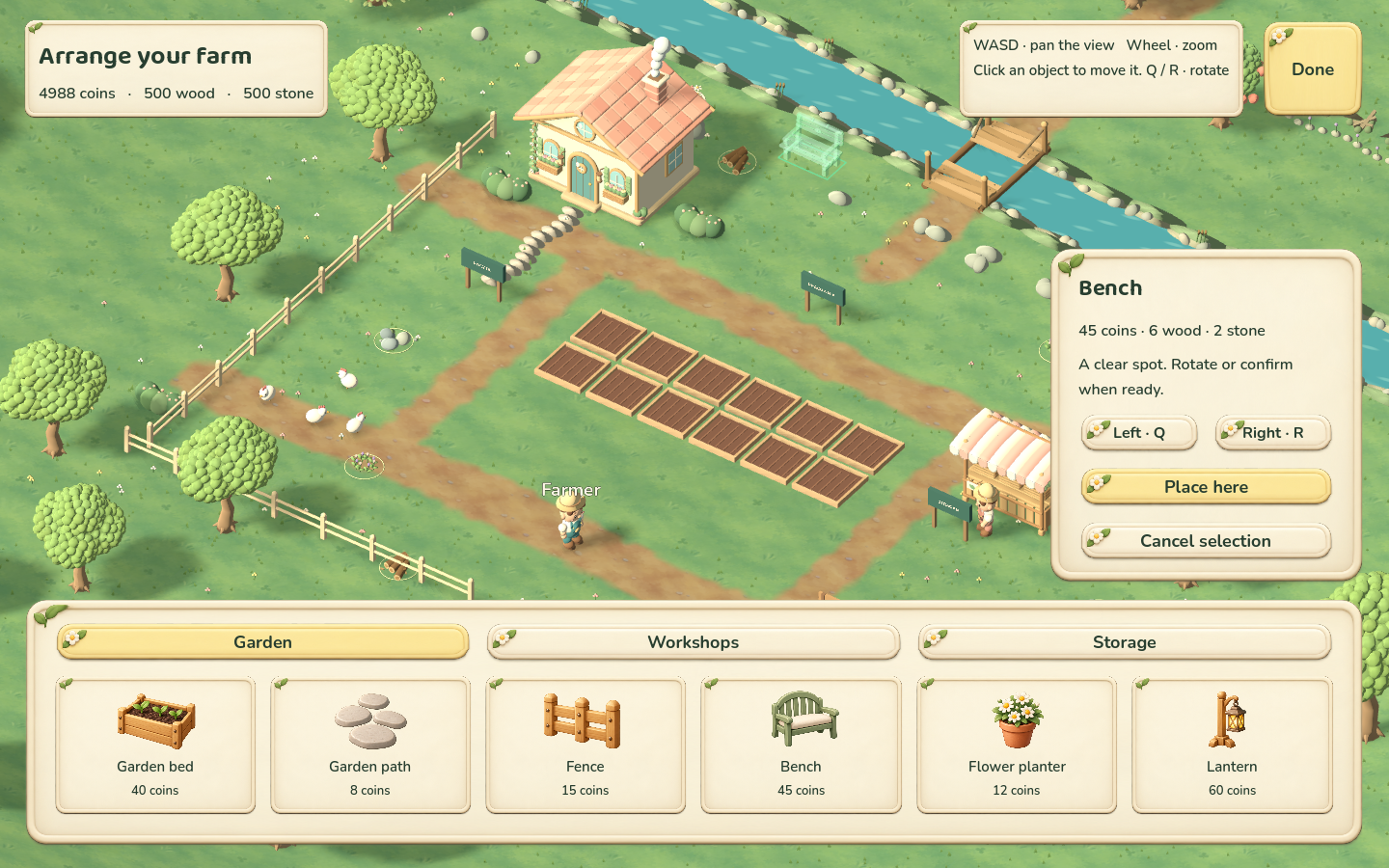
- A compact placement bar with cost, rotate, confirm and cancel controls.
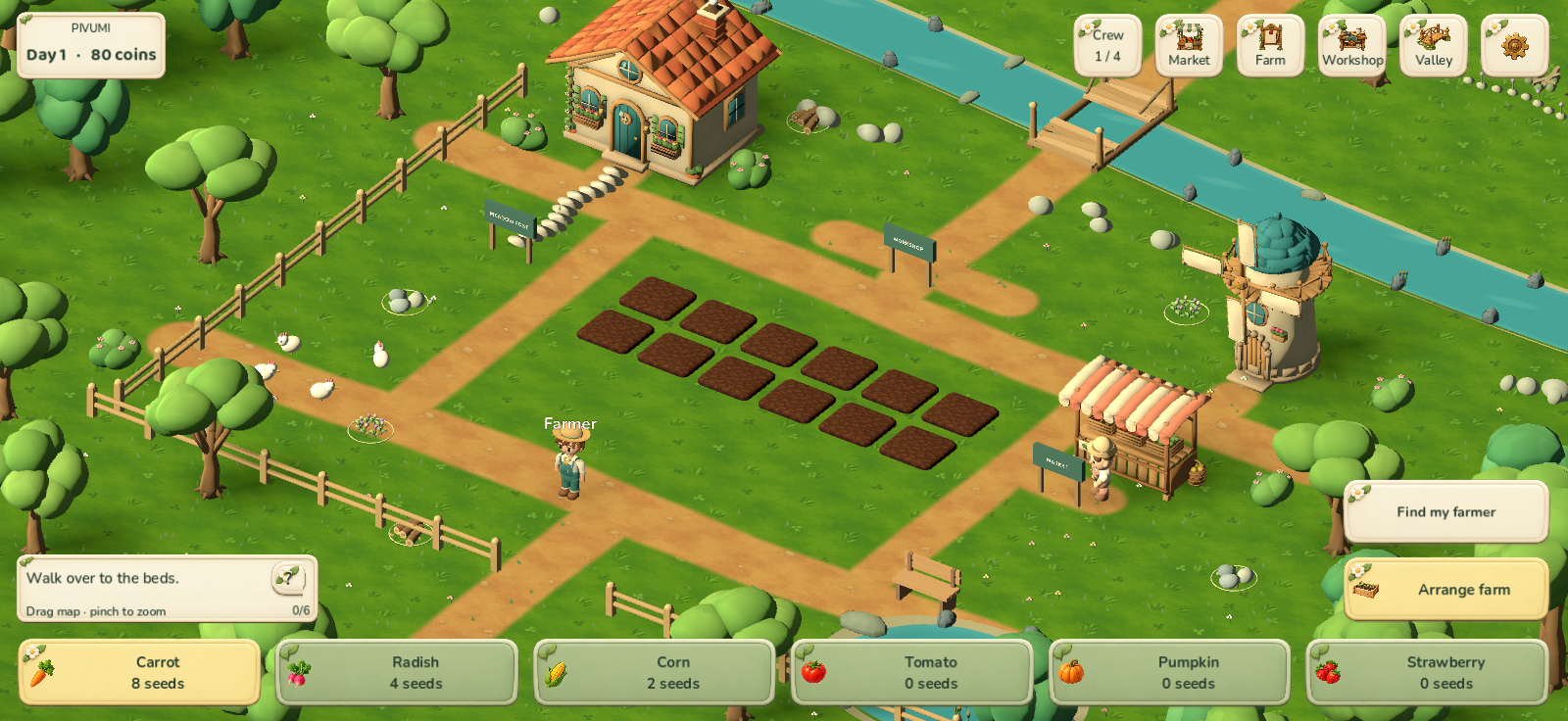
- One short tutorial step at a time, fitted above the seed bar and adapted to your co-op role.
- A new animated 3D farmer, with tools attached to the hand.
A farm that grows with you
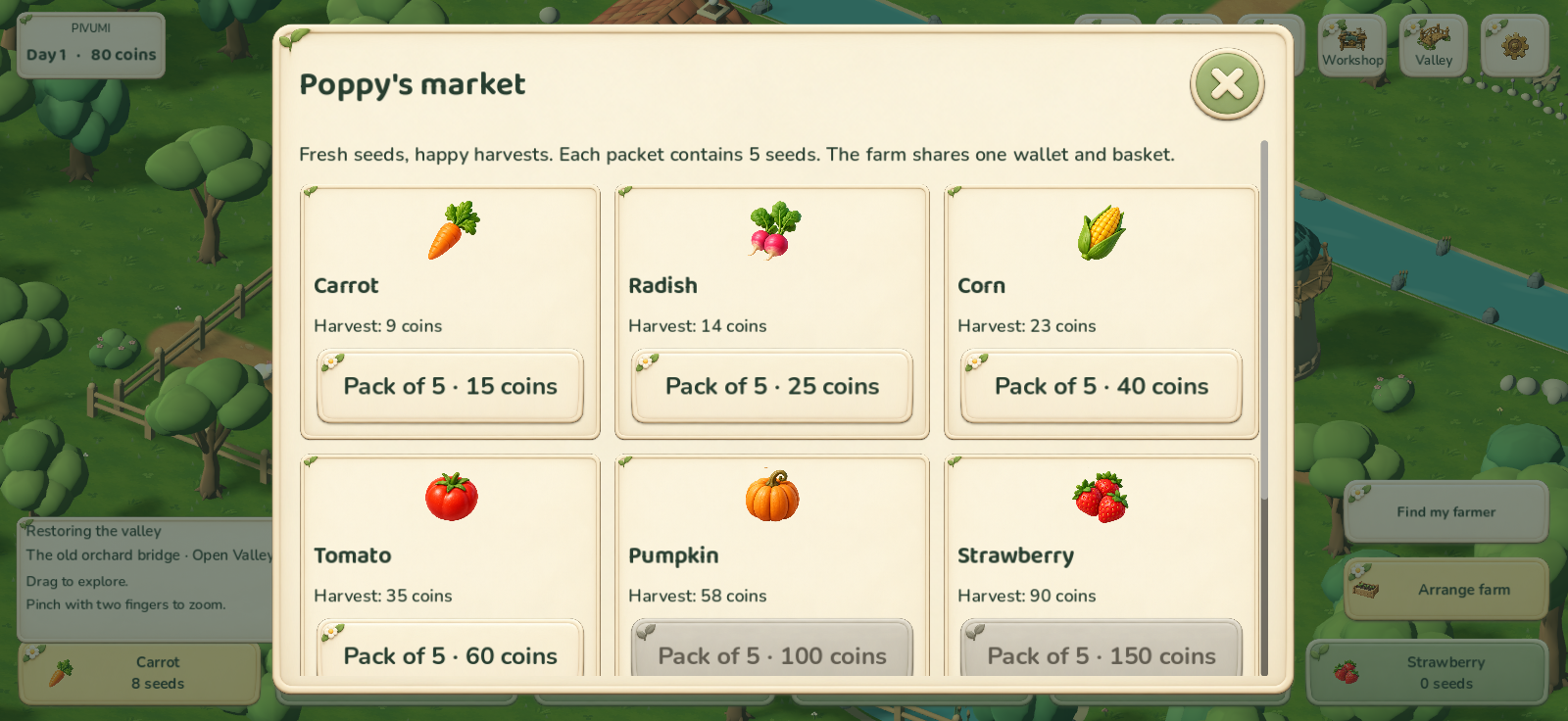
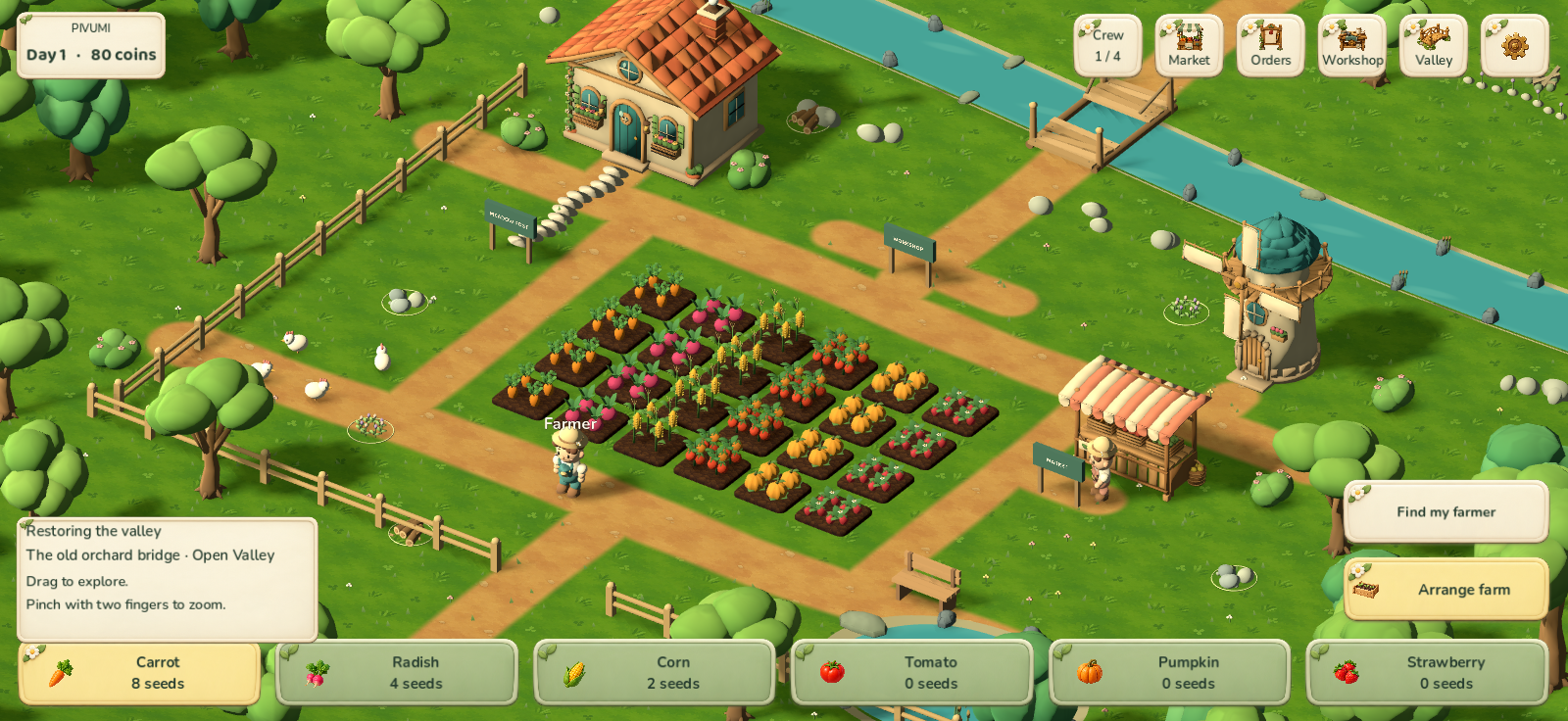
- Plant, water, harvest and sell six crops. Fulfil repeatable orders.
- Place and rearrange garden beds, workstations and decorations.
- Unlock farm development, hire helpers, choose their crops and jobs, and invest in irrigation.
- Craft at three workstations and restore projects around the valley.
- Invite friends. The host assigns Guest, Farmer or Manager permissions.
The game includes Polish and English, animated menu artwork and separate volume controls for music, ambience, interface, actions and rewards. If the farm runs out of everything needed to grow and earn, Poppy at the Market can offer the owner or manager three emergency carrot seeds.
Before you test co-op
Steam co-op is experimental. This desktop build uses Valve's test AppID 480, so Steam may display Spacewar. Use separate Steam accounts, add each other as friends, install the same Pivumi version and keep Pivumi open on every computer. Join through the complete PV- room code or an invitation. This is not a Steam store release.
Local gameplay and multiplayer synchronisation have automated tests. Our team has not yet verified real sessions between Steam accounts or native Windows gameplay. Your test can help identify those problems. Progress is saved locally on the host's computer. There is no cloud farm, host migration or offline worker production. Helpers use the farm's own seeds and do not sell crops automatically.
Controls and feedback
Move with WASD or arrow keys, interact with E and use the mouse for menus. Building shows a placement preview and needs a separate confirmation. For a bug, please include the version, operating system, what you tried and what happened. A screenshot is welcome. Never post passwords, tokens or private personal information.
Po polsku
Pivumi to darmowa, przytulna farma 3D w wersji alpha na Windows i macOS. Uprawiaj ogród, wytwarzaj produkty, zatrudniaj pomocników i odbudowuj dolinę samodzielnie lub z przyjaciółmi.
Masz 10 minut? Zbierz pierwszy plon i spróbuj postawić dodatkową grządkę. Napisz, gdzie gra była niejasna i co chciałbyś zrobić dalej. Wystarczy jedno szczere zdanie, także krytyczne. Zostaw opinię tutaj. Nie trzeba kończyć testu ani wystawiać oceny.
Wersja 0.5.1 poprawia blokowanie budowy przez nieotwarte pola i niewybudowane obiekty, upraszcza panel ustawiania oraz samouczek i dodaje nową animowaną postać 3D z narzędziami w dłoni.
Kooperacja dla 2-4 osób wymaga tej samej wersji, osobnych kont Steam i dodania się do znajomych. Steam może pokazywać Spacewar (testowy AppID 480). Użyjcie pełnego kodu PV-, gdy zaproszenie lub nakładka nie działa. Rzeczywiste połączenia Steam i uruchomienie na Windows wciąż wymagają testu graczy. Zapis zostaje u gospodarza, bez chmury i przekazania hosta. Jego wyjście kończy sesję.
Grę rozwija małe studio Stackpilot Games. Zbieramy zarówno dobre wrażenia, jak błędy i powody przerwania gry. Dziękujemy za pomoc!
Development notes
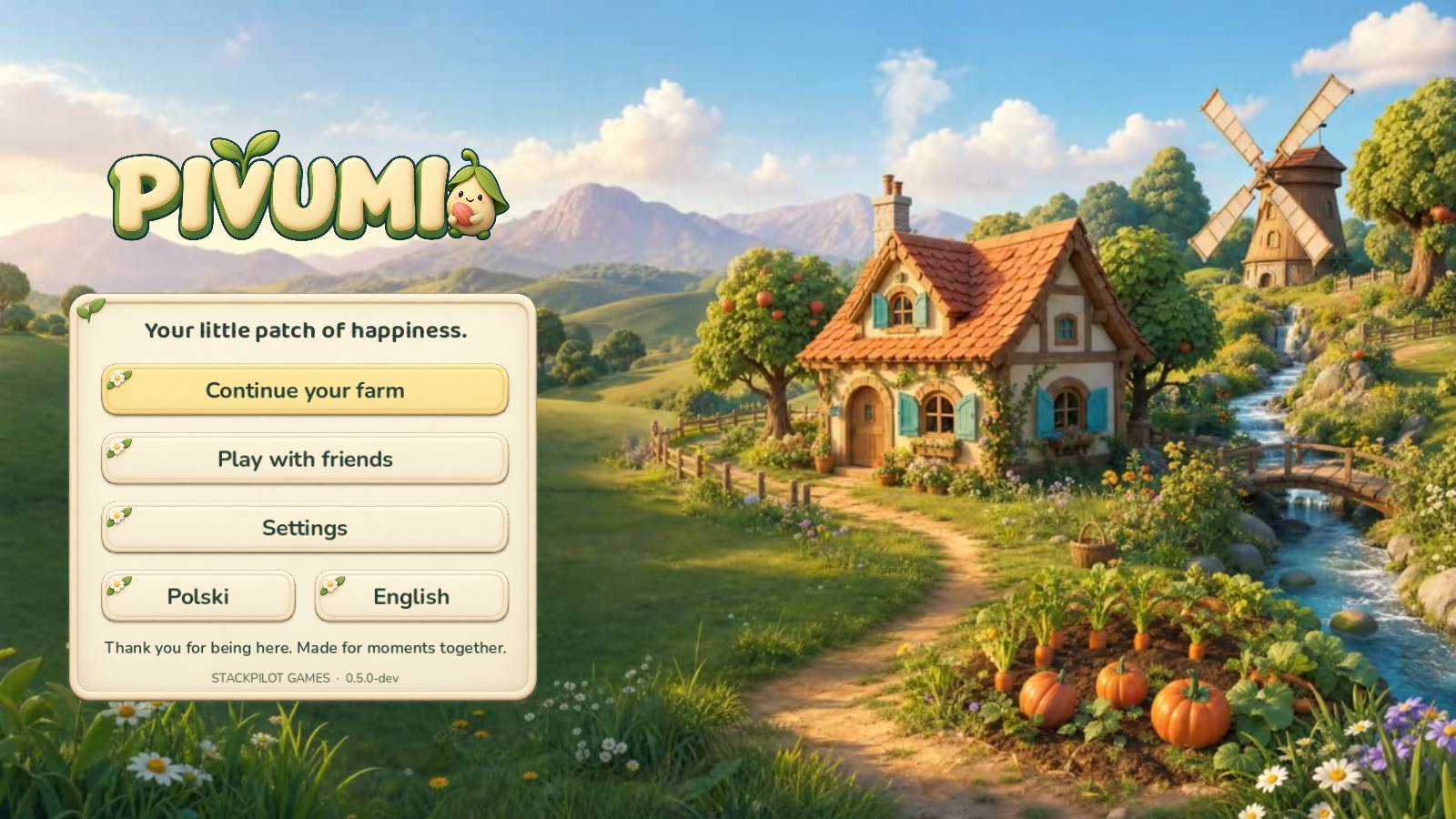
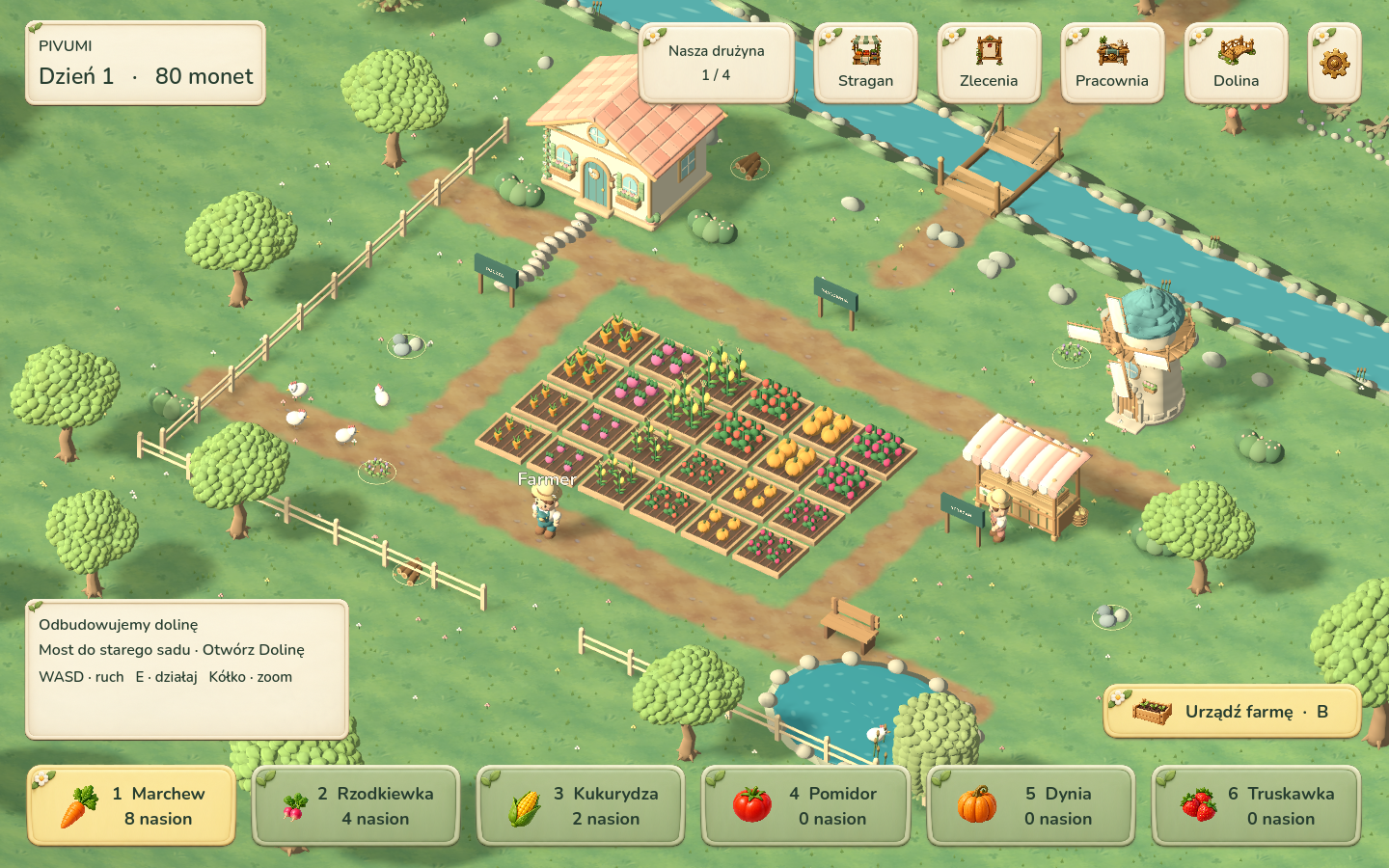
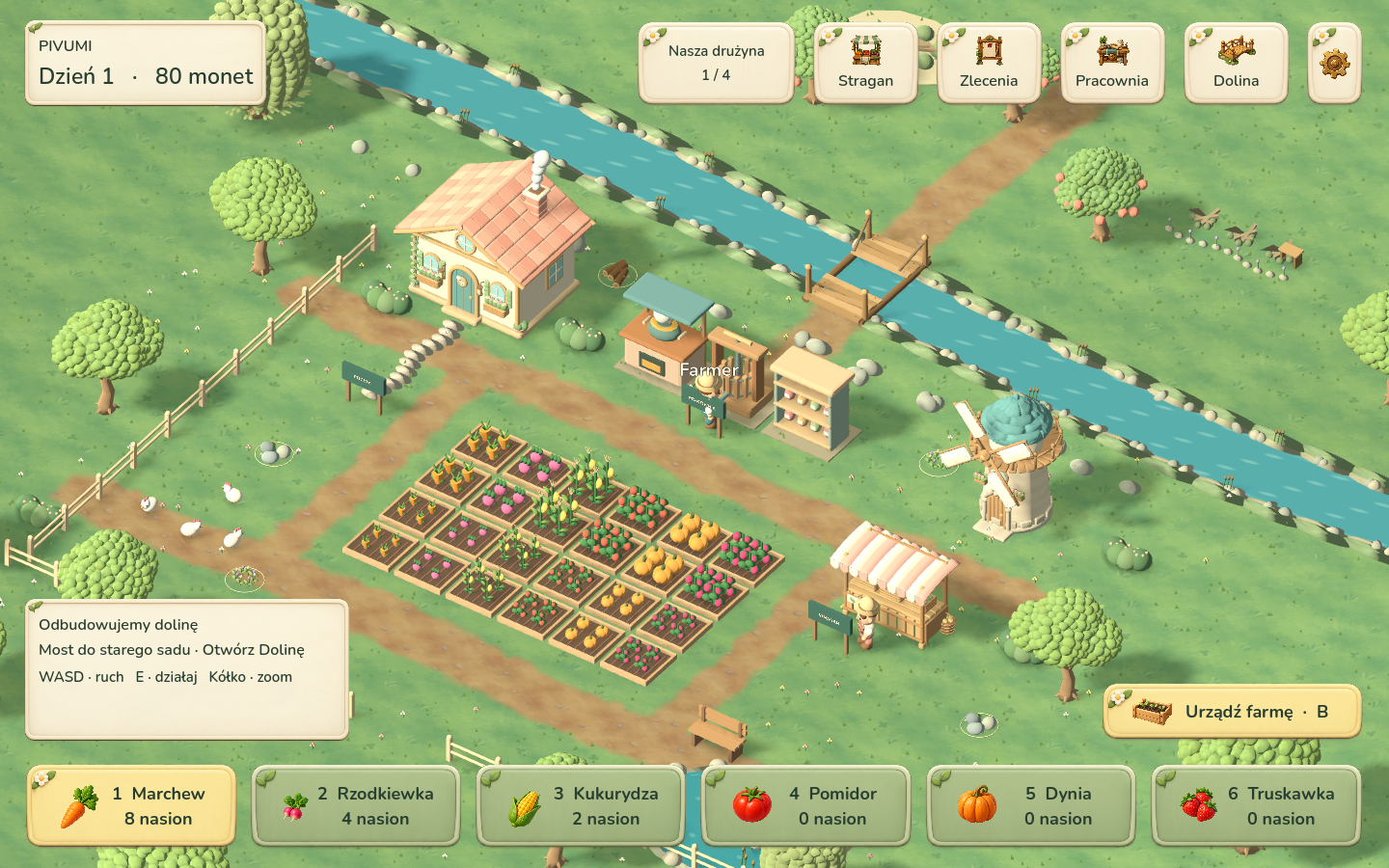
The first two gallery images show the current 0.5.1 farm and placement interface, rendered from the mobile-layout test in the engine on Mac. They show the new farmer and shared gameplay changes, not a public mobile release or a Windows test. The third image is the illustrated animated menu. Later images are older development captures.
AI-assisted development: generated visual assets, audio, text and code, with modelling, integration and checks using AI tools. Public mobile builds, cloud saves, ads and in-app purchases are not available in this playtest.
Download
Install instructions
Windows: download Pivumi-Steam-Test-Windows-0.5.1.zip and extract the entire archive. Open Steam and sign in, then run Start-Pivumi-Steam.cmd. Keep the EXE, PCK and DLL files together.
macOS: download Pivumi-Steam-Test-macOS-0.5.1.zip and extract it. Open Steam and sign in, then use Start-Pivumi-Steam.command. The app has a local ad-hoc signature and is not notarized by Apple. If macOS blocks it, do not disable system security; report the message so we can improve distribution.
Steam 480 test: this is not a Steam store release. Steam may display Spacewar because the build uses the test AppID 480. Real sessions between Steam accounts and native Windows gameplay have not yet been verified by our team. Solo play remains available without Steam.
Co-op, 2-4 people: use different Steam accounts, add each other as Steam friends and install the same Pivumi version. Keep Pivumi running on every computer. Choose Play with friends. The host selects Host a Steam farm and shares the complete PV- code; friends paste it and select Join through Steam. You can also use the Steam invitation, then confirm it in Pivumi. If the overlay is unavailable, use the code. With Pivumi closed, an invitation may launch Spacewar instead.
The host assigns roles. New arrivals are Guests, who can look around and water crops; ask for Farmer to plant and harvest, or Manager to make purchases and build. Guests mark themselves ready, then the host starts the day. Progress belongs to the host's local farm. Leaving as host ends the shared session; there is no Steam Cloud save or automatic host migration.
Updating: extract the new version into a new folder. Do not mix files from older releases. Farm data is stored separately from the downloaded game. Keep a backup of important saves while testing an alpha.
Save recovery and help: the game checks local saves and can recover from an available valid backup. This does not guarantee recovery from every failure. If you cannot afford a seed packet and have no seeds, growing crops, harvest, products or queued production left, the owner or manager can visit Poppy at the Market for three free carrot seeds. The five volume sliders in Settings control the new 17-cue audio set.
PL: rozpakuj całą paczkę do nowego folderu. Uruchom Steam, zaloguj się i włącz dołączony Start-Pivumi-Steam.cmd na Windows albo Start-Pivumi-Steam.command na Macu. Nie podmieniaj samego PCK ani EXE i zachowaj wszystkie dołączone pliki. Mac ma podpis ad-hoc, bez notaryzacji Apple; jeśli system blokuje start, zgłoś komunikat bez wyłączania zabezpieczeń systemowych. Solo jest dostępne także bez Steam.
Wspólna gra: 2-4 osoby, osobne konta Steam, dodanie się do znajomych i ta sama wersja Pivumi. Uruchomcie grę na wszystkich komputerach. Wybierzcie Graj z przyjaciółmi. Gospodarz wybiera Otwórz farmę na Steam i Kopiuj kod; pozostali wklejają pełny PV- i wybierają Dołącz przez Steam. Zaproszenie przez nakładkę jest opcjonalne; gdy nie działa, użyjcie kodu. AppID 480 może pokazywać Spacewar, a zaproszenie przy zamkniętym Pivumi może uruchomić właśnie Spacewar. To nie jest wydanie w sklepie Steam.
Nowa osoba dołącza jako Gość. Gospodarz może nadać Farmera do sadzenia i zbiorów albo Zarządcę do zakupów i budowania. Dołączający wybierają Zmień gotowość, potem gospodarz naciska Zaczynamy dzień! Zapis jest lokalny u gospodarza, bez Steam Cloud; jego wyjście kończy sesję. Rzeczywiste połączenia między kontami Steam i uruchomienie Windows nadal wymagają testu.
Aktualizacja i odzyskanie: nie mieszaj plików wydań. Zapis farmy znajduje się osobno od pobranej paczki, jest sprawdzany i ma kopie do odzyskiwania. Zachowaj też własną kopię ważnej farmy. Gdy zabraknie monet na nasiona oraz wszystkich nasion, upraw, plonów, produktów i kolejek, właściciel lub zarządca może odebrać od Poppy 3 darmowe nasiona marchwi w Straganie. Nowe 17 nagrań i efektów ma pięć oddzielnych suwaków głośności w Ustawieniach.
Development log